Trending Google Gemini Neno Couple Photo Editing Prompt Guide For Free It’s Revolution
Neon couple photo editing aaj kal Instagram aur Pinterest par ek bada trend ban chuka hai. Yeh style normal pictures ko ek high-energy, futuristic, aur romantic look deta hai.
Neon Couple Editing Kya Hai?
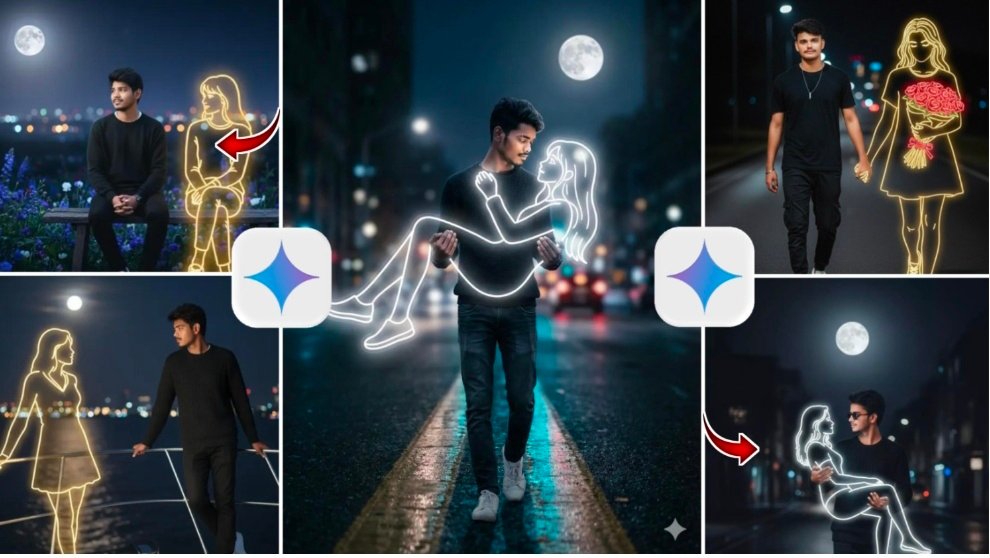
Is editing style mein photos ke andar glowing light strokes aur vibrant colors (jaise electric pink, deep blue, aur neon purple) ka use kiya jata hai. Jab in luminous effects ko kisi couple photo mein add kiya jata hai, toh yeh ek dreamy aur cinematic atmosphere create karta hai. Yeh na sirf aapke rishte ki warmth ko highlight karta hai, balki aapki photo ko ek modern art ka roop bhi deta hai jo scroll karte waqt har kisi ka dhyan khinch leti ha
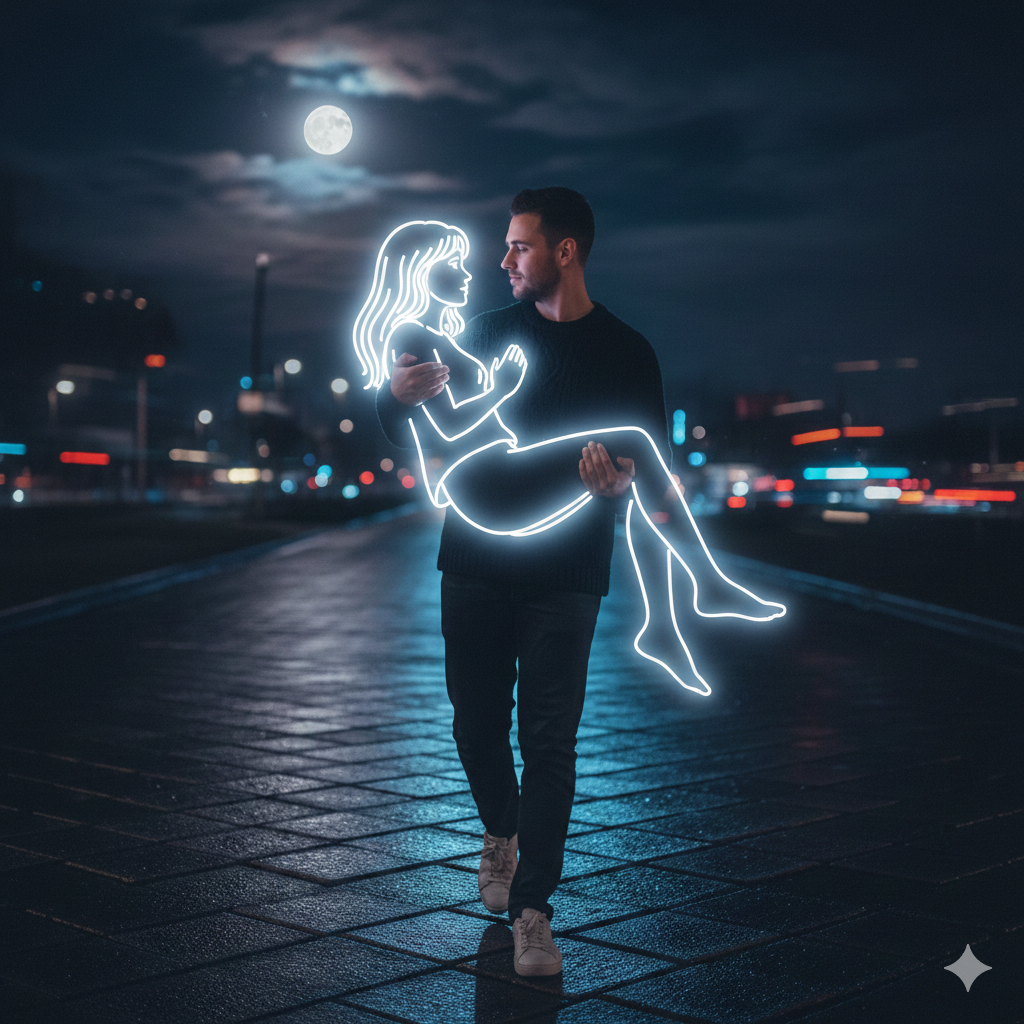
Me and neon girl,
me walking diamy street road,
me gently lifts the neon girl in my arms,
holding her securely with both hands. His expression is calm and focused as he looks directly into her eyes with deep affection,
midnight,
wearing dark sweater and white sneakers. A white glowing,
neon-style illustration of a girl the neon girl emits a soft white light,
contrasting against the dark,
blurry background of city lights in the distance. The atmosphere feels calm,
melancholic,
and slightly surreal,
blending reality and imagination. 100% accurate my face,
full moon,
Negative Prompt: closed eyes,
small neon girl
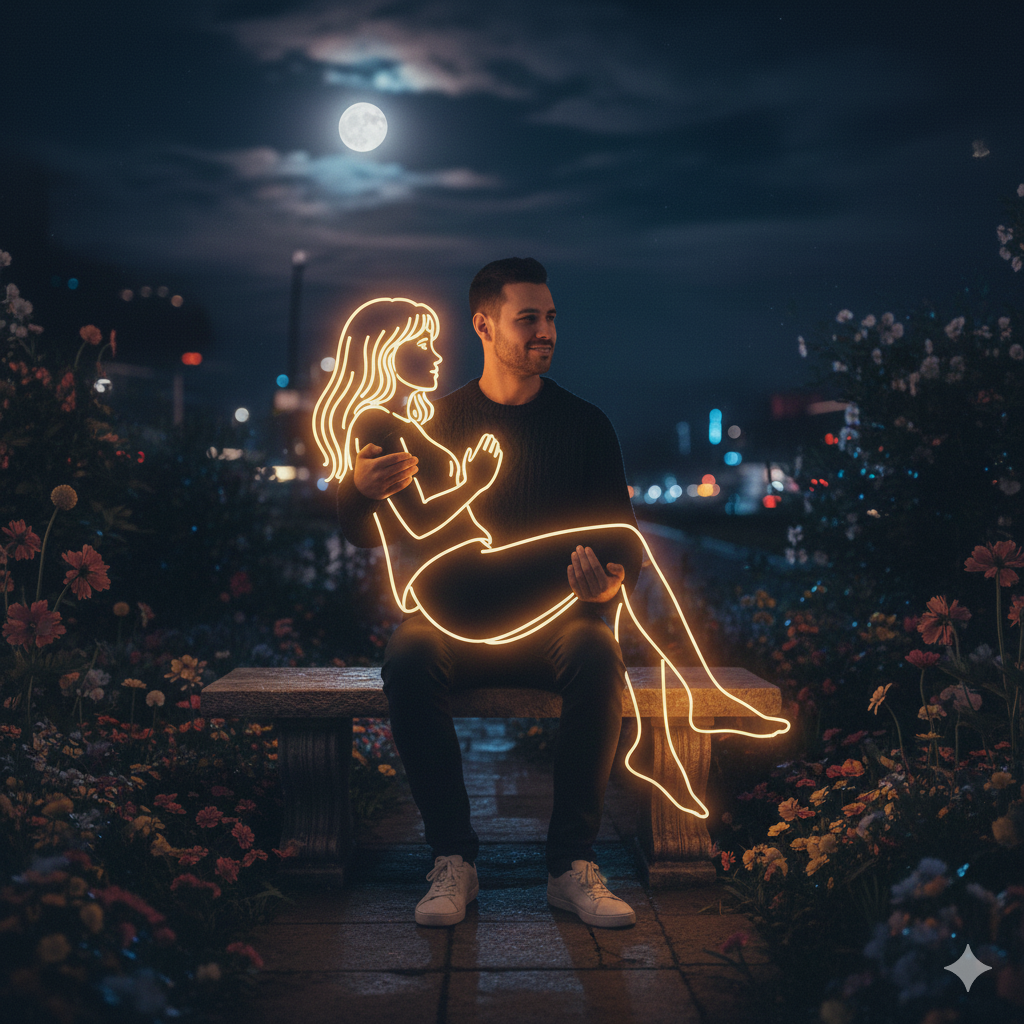
Hyper-realistic,
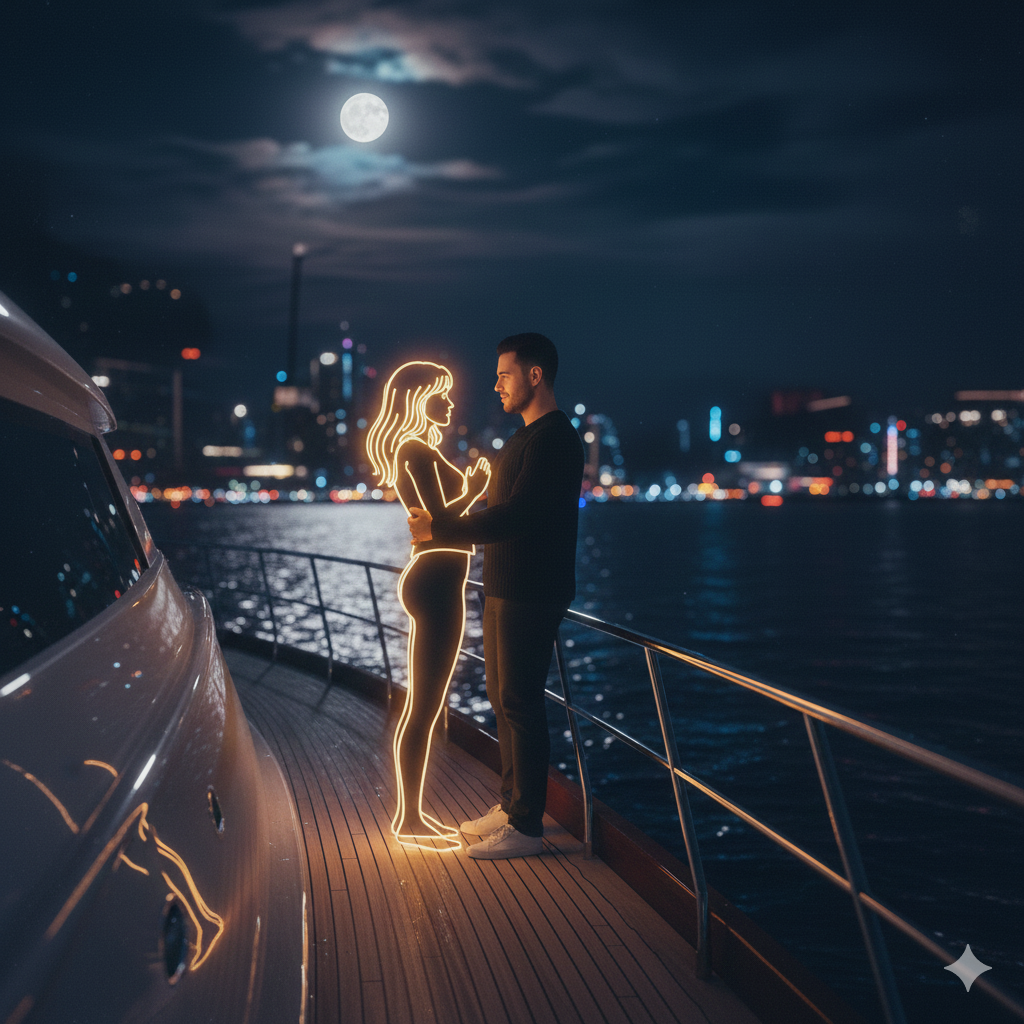
me and neon girl seat on bench in flowers garden,
looking away,
midnight,
wearing dark sweater and white sneakers,
Beside him appears a Golden glowing,
neon-style illustration of a girl the neon girl emitsa soft white light,
contrasting against the dark,
blurry background of city lights in the distance. The atmosphere feels calm,
melancholic,
and slightly surreal,
blending reality and imagination. 100% accurate my face,
full moon,
light smile on face,
calm and happy
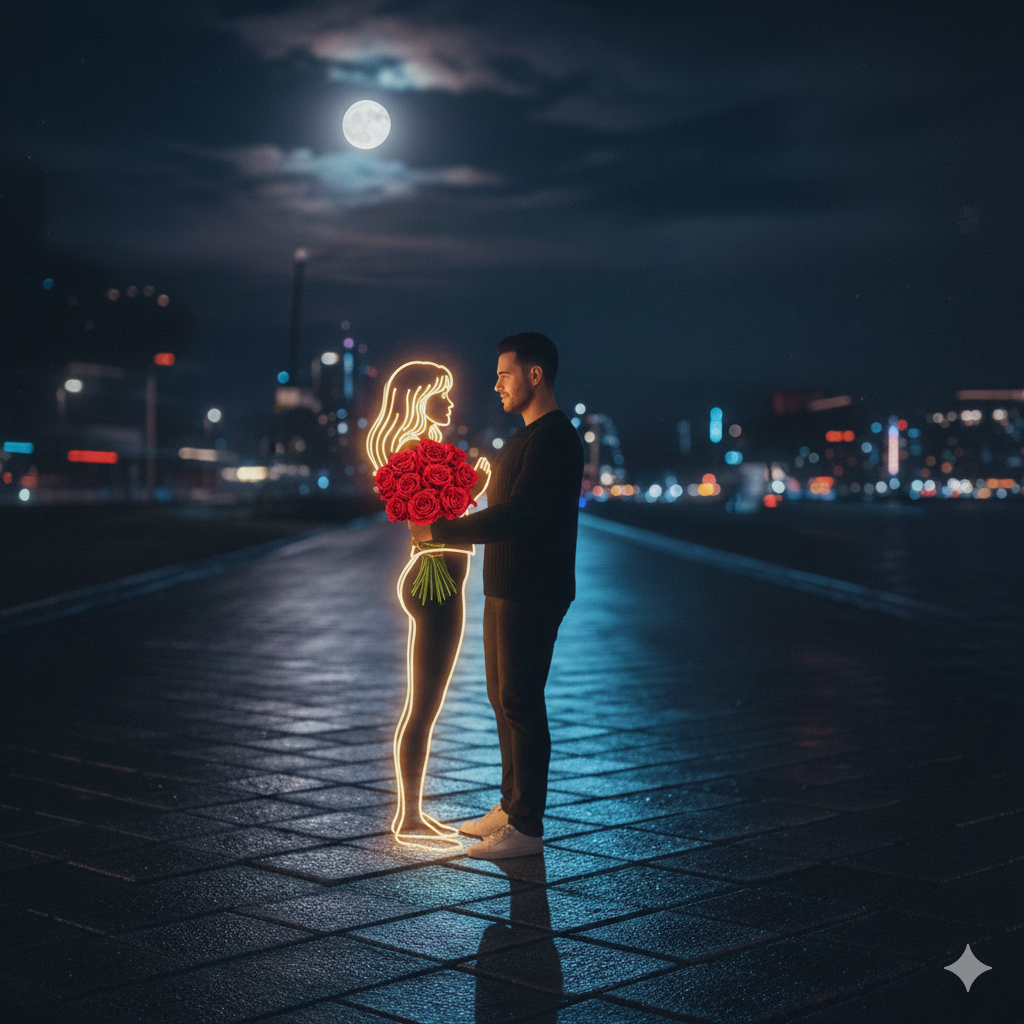
Me and neon girl at yoat and standing near railing looking each other eyes,
midnight,
wearing dark sweater and white sneakers. Beside him appears a Golden glowing,
neon-style illustration of a girl the neon girl emits a soft white light,
contrasting against the dark,
blurry background of city lights in the distance. The atmosphere feels calm,
melancholic,
and slightly surreal,
blending reality and imagination. 100% accurate my face,
full moon
Alone on a dimnly lit path 30 at night,
wearing dark casual clothes and white sneakers. Beside him appears a Golden glowing neon-style illustration of a girl holding a bouquet of bright red roses. The neon girl emits a soft white light,
contrasting against the dark,
blurry background of city lights in the distance. The atmosphere feels calm,
melancholic and slightly surreal,
blending reality and imagination. 100% accurate my face,
both holding hand middle of road
What is Google Gemini AI Photo Editing?
Google Gemini is a cutting-edge AI system designed to understand complex image prompts, realistic lighting, and background depth. When it comes to holiday editing, it excels at:
Natural Decorations: Seamlessly adding trees, wreaths, and fairy lights.
Atmospheric Effects: Creating realistic winter snowfall and cozy glows.
Face Fidelity: Keeping your facial features 100% original and recognizable.
Detail Enhancement: Improving skin textures and fabric details on outfits.
Cinematic Lighting: Applying professional holiday-themed color grading.
By prioritizing face accuracy, Gemini ensures your Christmas edits look like real photographs rather than stylized digital art.
How to Create a “Happy Christmas” AI Photo Using Gemini
You can transform a simple selfie into a professional-grade holiday portrait in just a few simple steps.
Simple Steps to Follow:
Upload a Clear Photo: Start with a high-resolution photo where your face is clearly visible.
Write a Detailed Prompt: Describe the specific Christmas scene you want.
Specify the Essentials: Mention your desired outfit (e.g., a velvet jacket), the background (e.g., a snowy cottage), and the lighting.
Prioritize Realism: Always include an instruction to “Maintain 100% face identity” for natural results.
Generate & Save: Review the AI-generated options and download your favorite 8K HDR result.
Pro Tip: A well-structured prompt is the key to professional results. Even a basic selfie can become a cinematic masterpiece with the right description!
Would you like me to help you write a specific, high-detail prom
pt for your next Christmas photo
 WhatsApp