Top Celebrating Makar Sankranti 2026: How Google Gemini AI is Revolutionizing Festival
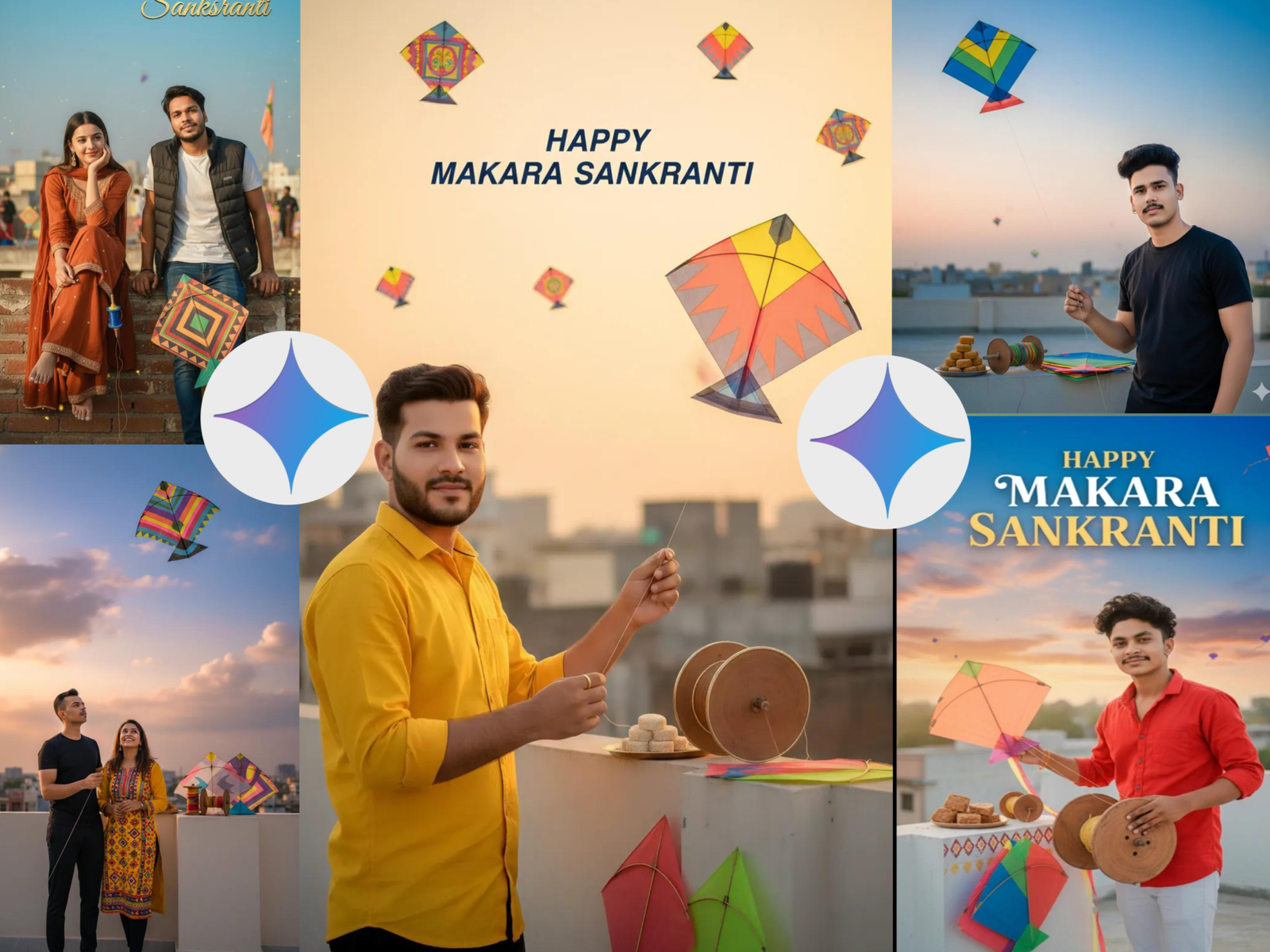
As Makar Sankranti 2026 approaches, India’s beloved harvest festival is getting a technological makeover thanks to Google Gemini AI’s advanced photo editing capabilities. This ancient festival, which marks the sun’s transition into the zodiac sign of Capricorn (Makar), has always been a visual spectacle with its colorful kites, vibrant decorations, and joyous gatherings. Now, with Gemini AI’s latest photo editing tools, festival enthusiasts are taking their Sankranti celebrations to new digital heights.
Google Gemini AI in 2026: A Photo Editing Revolution
Google’s Gemini AI has evolved dramatically since its early iterations. The 2026 version features the groundbreaking “Nano Banana” image tools that allow users to transform ordinary photos into extraordinary festival masterpieces with simple text prompts. The system can now understand and implement complex visual transformations while maintaining natural facial features and realistic lighting effects.
What makes the 2026 version particularly special is its ability to recognize and enhance cultural elements specific to Indian festivals, including the vibrant colors, traditional attire, and distinctive symbols associated with Makar Sankranti.
Makar Sankranti-Specific Gemini AI Prompts
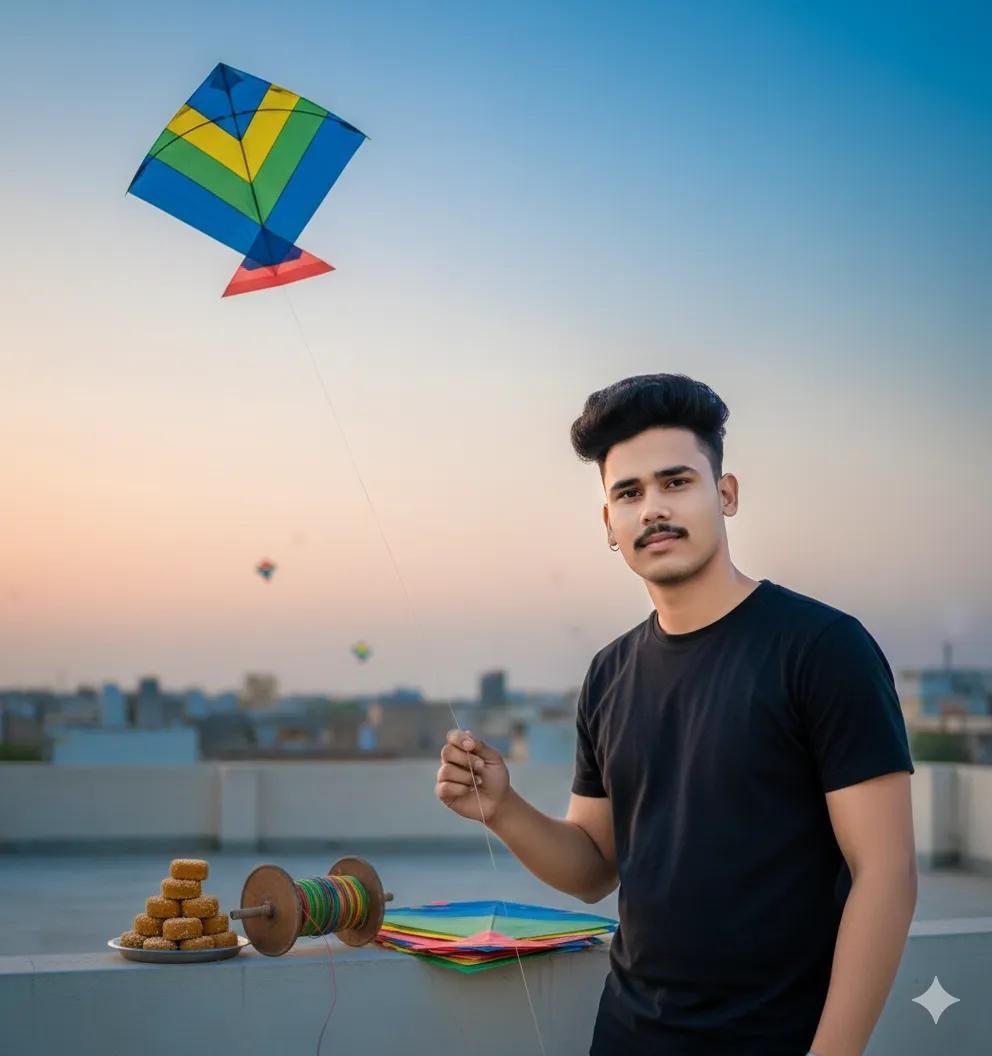
Prompt 👇:-
Use the uploaded photo as an accurate reference for the face. Create a very realistic image of a young 25 Indian boy standing on a rooftop. The rooftop wall is neatly painted. He is flying a kite, holding the kite string in his hand, And black sirt with. He is looking directly at the camera with a slight smile. Next to him, on the painted wall, place traditional Makar Sankranti items such as tilkut, a kite string reel, and kites. In the blue and sunset sky, display.
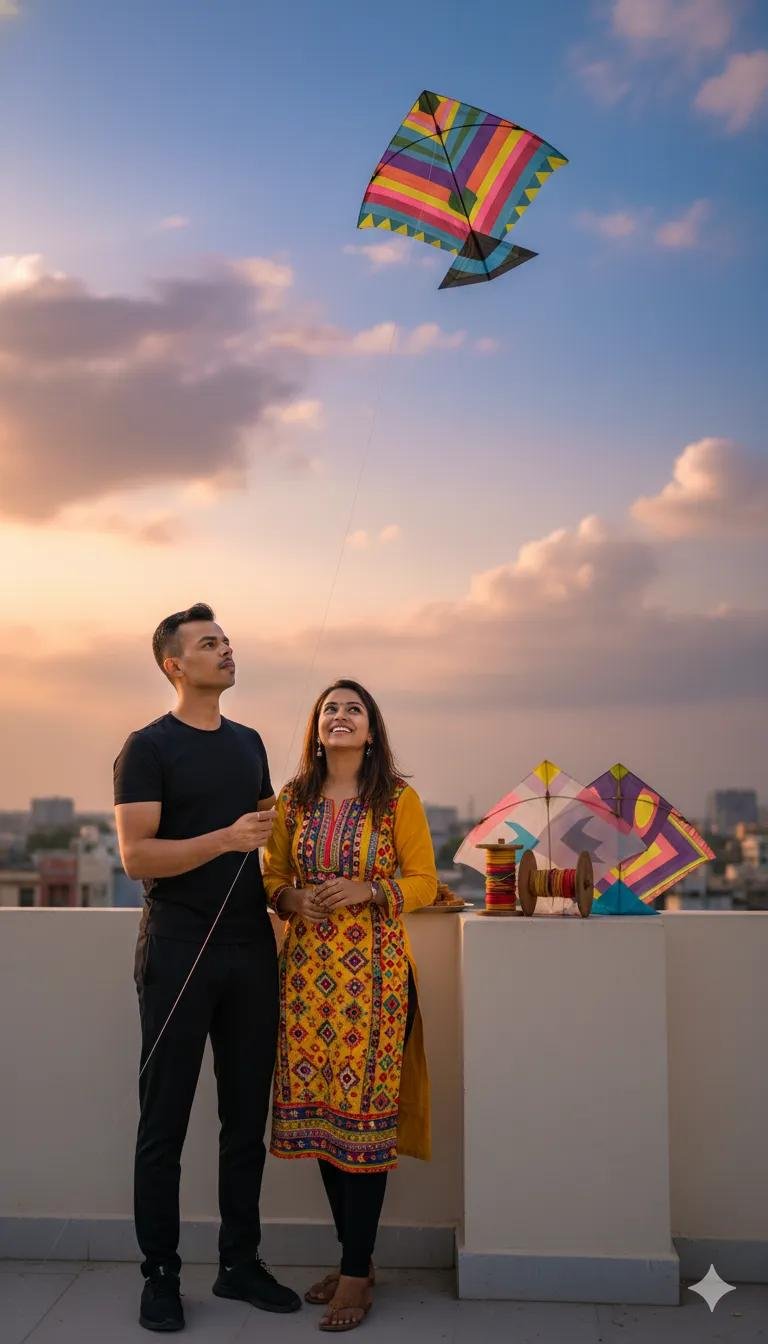
Prompt🪁👇🏻
A cinematic ultra-realistic full-body portrait of a man, is standing on a rooftop. The rooftop wall is neatly painted. He is flying a kite, holding the kite string in his hand, wearing black outfits. He is looking towards his kite which is at the sky. Next to him, on the painted wall, place traditional Makar Sankranti items such as tilkut, a kite string reel and kites. In the blue and sunset sky, display. ultra-detailed face, DSLR photography, 50mm lens, high resolut
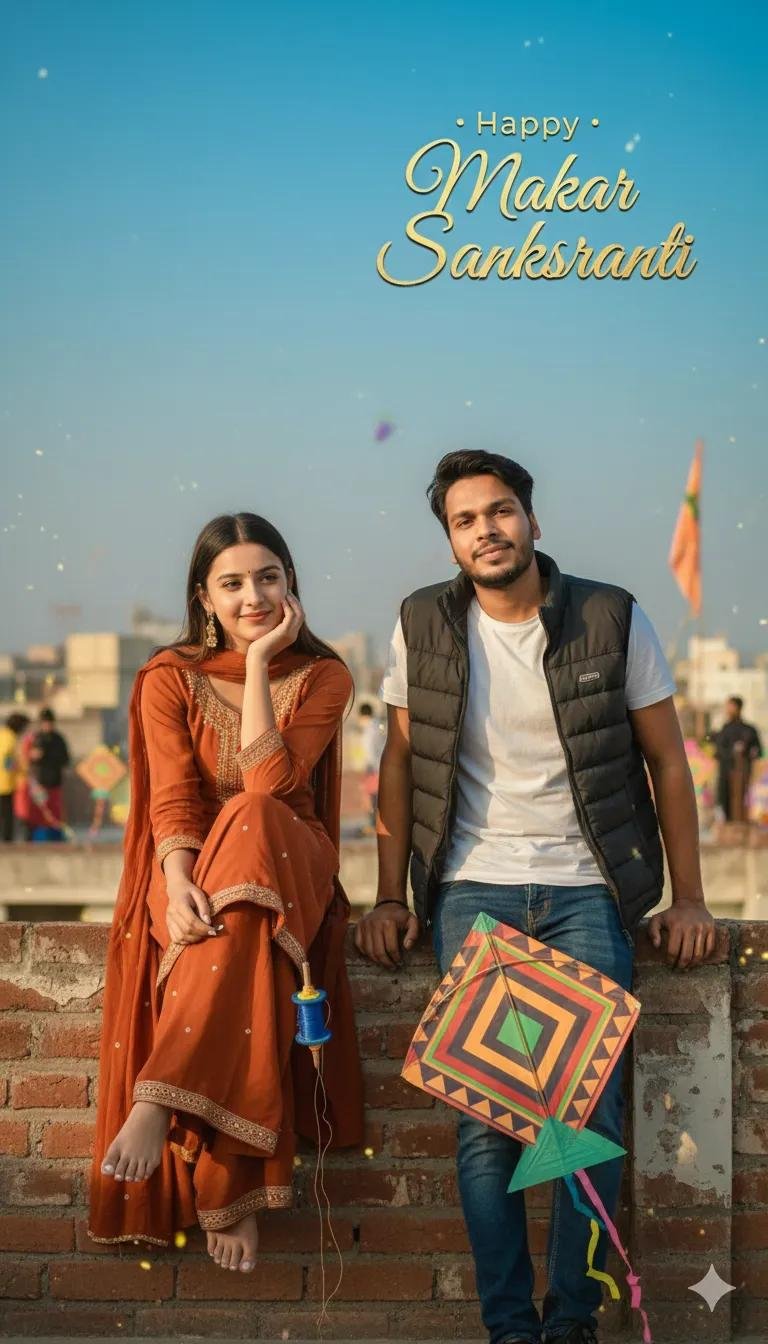
“Generate an ultra-realistic scene of a joyful Makar Sankranti celebration on a sunny rooftop. A woman in a bright orange traditional outfit sits gracefully on a low wall, smiling softly with her hand resting on her cheek, holding a blue kite spool in her other hand. Beside her, a man leans forward with both hands on the wall, wearing a white T-shirt layered with a sleeveless black jacket, looking relaxed and calm. A colorful kite lies near his hands.
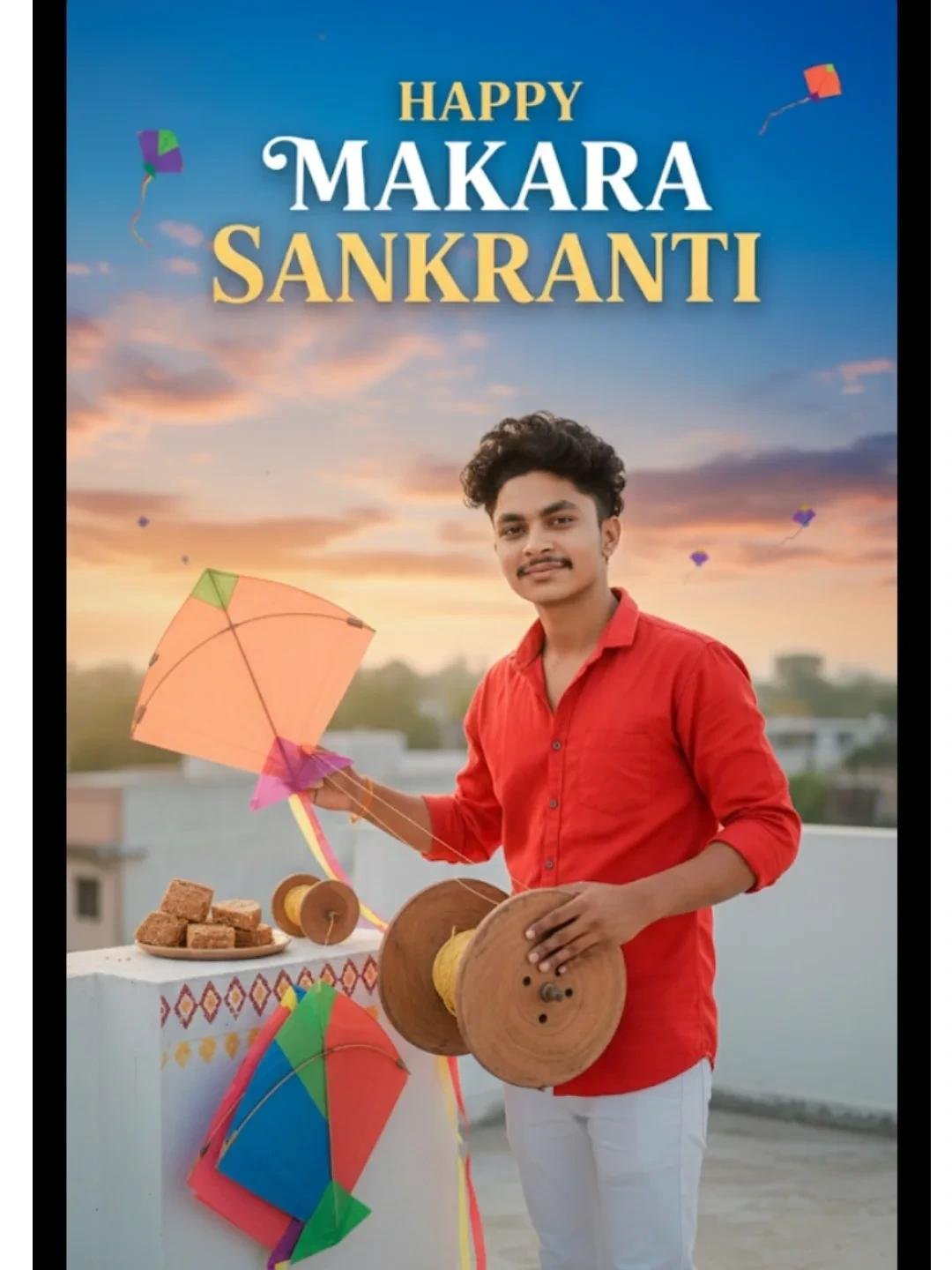
Use the uploaded photo as an accurate reference for the face. Create a potrait of a young 21 Indian boy standing on a rooftop. The rooftop wall is neatly painted. He is flying a kite, holding the kite string in his hand, And red shirt amd white pent. He is looking directly at the camera with a slight smile. Next to him, on the painted wall, place traditional Makar Sankranti items such as tilkut, a kite string reel, and kites. In the blue and sunset sky, display. Text “happy Makara Sankranti”
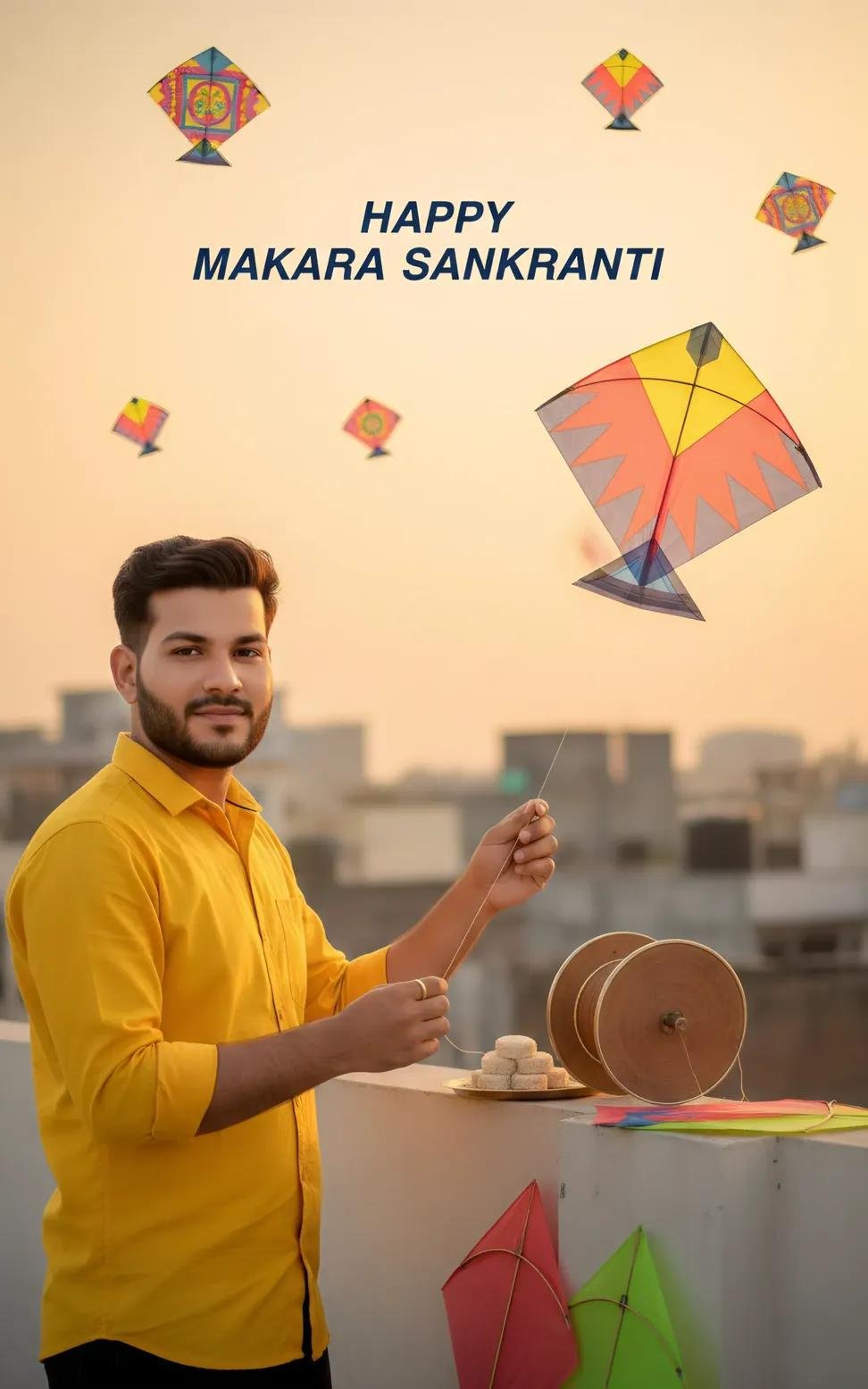
Use the uploaded photo as an accurate reference for the face. Create a very realistic image of a young 25 Indian boy standing on a rooftop. The rooftop wall is neatly painted. He is flying a kite, holding the kite string in his hand, And yellow sirt with. He is looking directly at the camera with a slight smile. Next to him, on the painted wall, place traditional Makar Sankranti items such as tilkut, a kite string reel, and kites. In the blue and sunset sky, display. Text happy Makara Sankranti
Generating images with Gemini in 2026 is a seamless experience using the Nano Banana engine. Whether you want to create something brand new or edit an existing photo for Makar Sankranti, here is the quick guide to getting it done.
1. Accessing the Image Tools
Web: Go to gemini.google.com.
Mobile: Open the Gemini app on Android or iOS.
Mode Selection: * Select “Fast” in the model menu to use the standard Nano Banana (best for quick, creative generations).
Select “Thinking” or “Pro” to use Nano Banana Pro (best for high-detail, complex textures, and realistic lighting).
 WhatsApp